I run TMPL, where I design Framer templates, and portfolio requests are the most common ones I get. Which makes sense: a portfolio is the site almost every designer, photographer, and freelancer needs first, and nobody wants to spend two weeks building it. Four of my portfolio templates are free to duplicate, and they cover four different situations. This post walks through each one so you can pick without opening all the demos side by side.
Foldex: collage energy for visual work
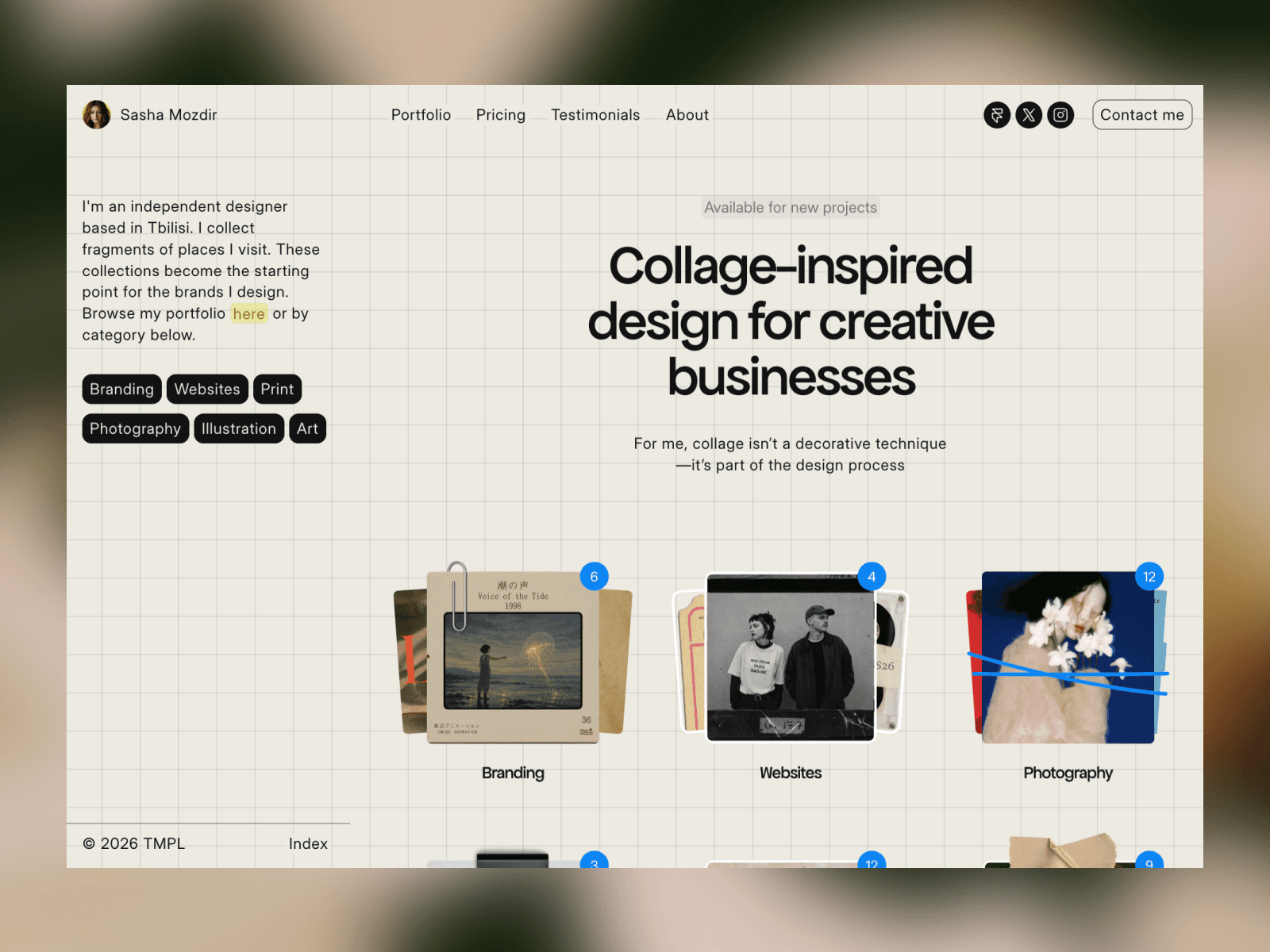
Foldex is the one I recommend to photographers, art directors, and anyone whose work is mostly images. The layout is collage inspired, with an editorial rhythm instead of a strict grid, so the site feels personal rather than templated. It ships with eight pages: Home, Portfolio, a topic page driven by the CMS, Pricing, Testimonials, About, Contact, and a 404. The topic-based CMS is the part I'm most proud of. You organize work by category, each topic gets its own page with SEO fields, and adding a new project is a CMS entry, not a layout edit.
Julian: a bold creator site with a blog
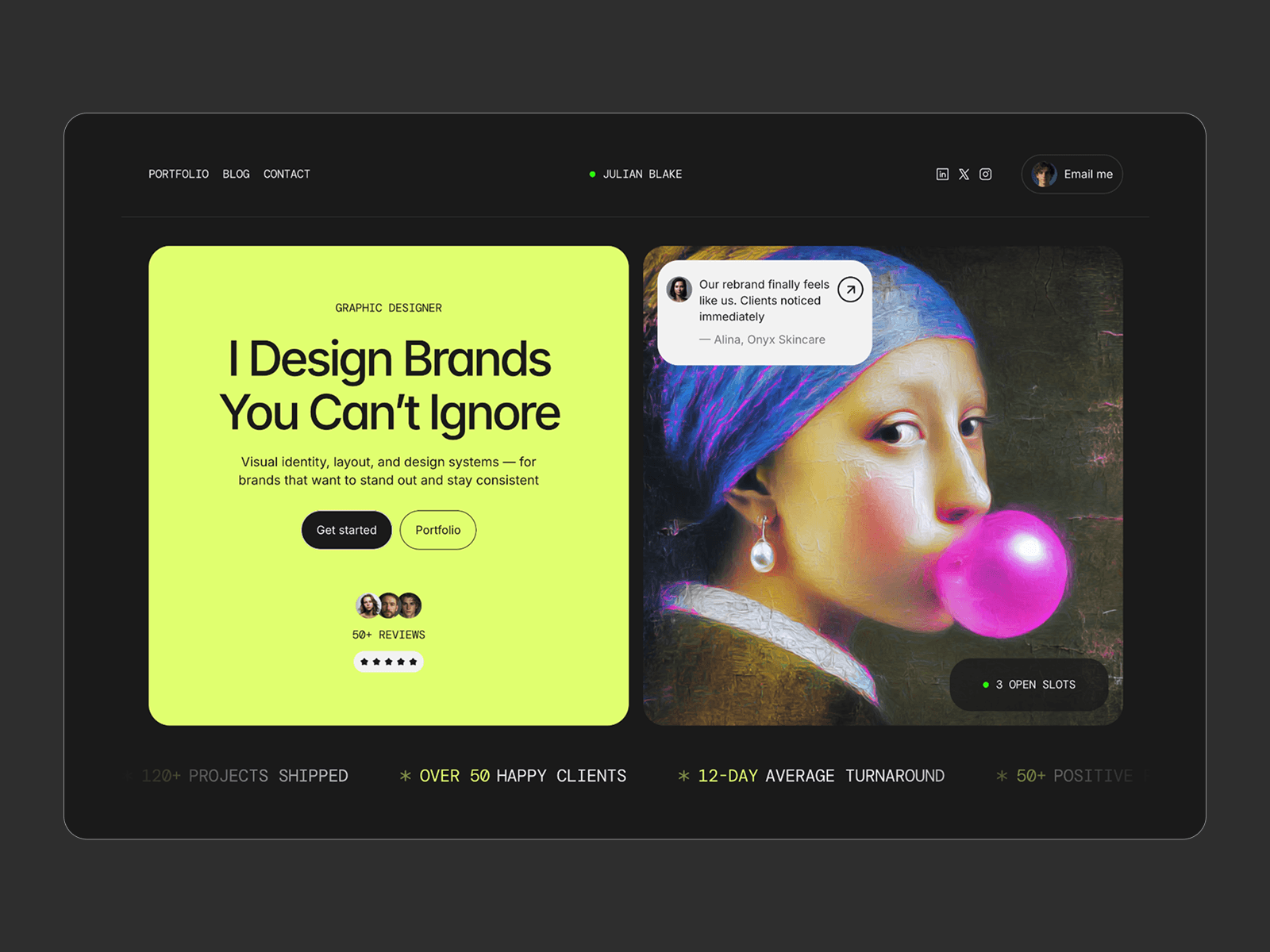
Julian is louder. It's built for graphic designers, branding studios, and small creative teams who want the site itself to feel like a statement. Six pages, including a CMS-driven Portfolio with case pages and a full Blog with CMS posts, which matters more than it seems: a portfolio that can publish articles ranks better and gives clients a reason to come back. Components for buttons, FAQs, testimonials, and services are modular, so you can grow the site without touching the layout.
Simpolio: one page, editorial and calm
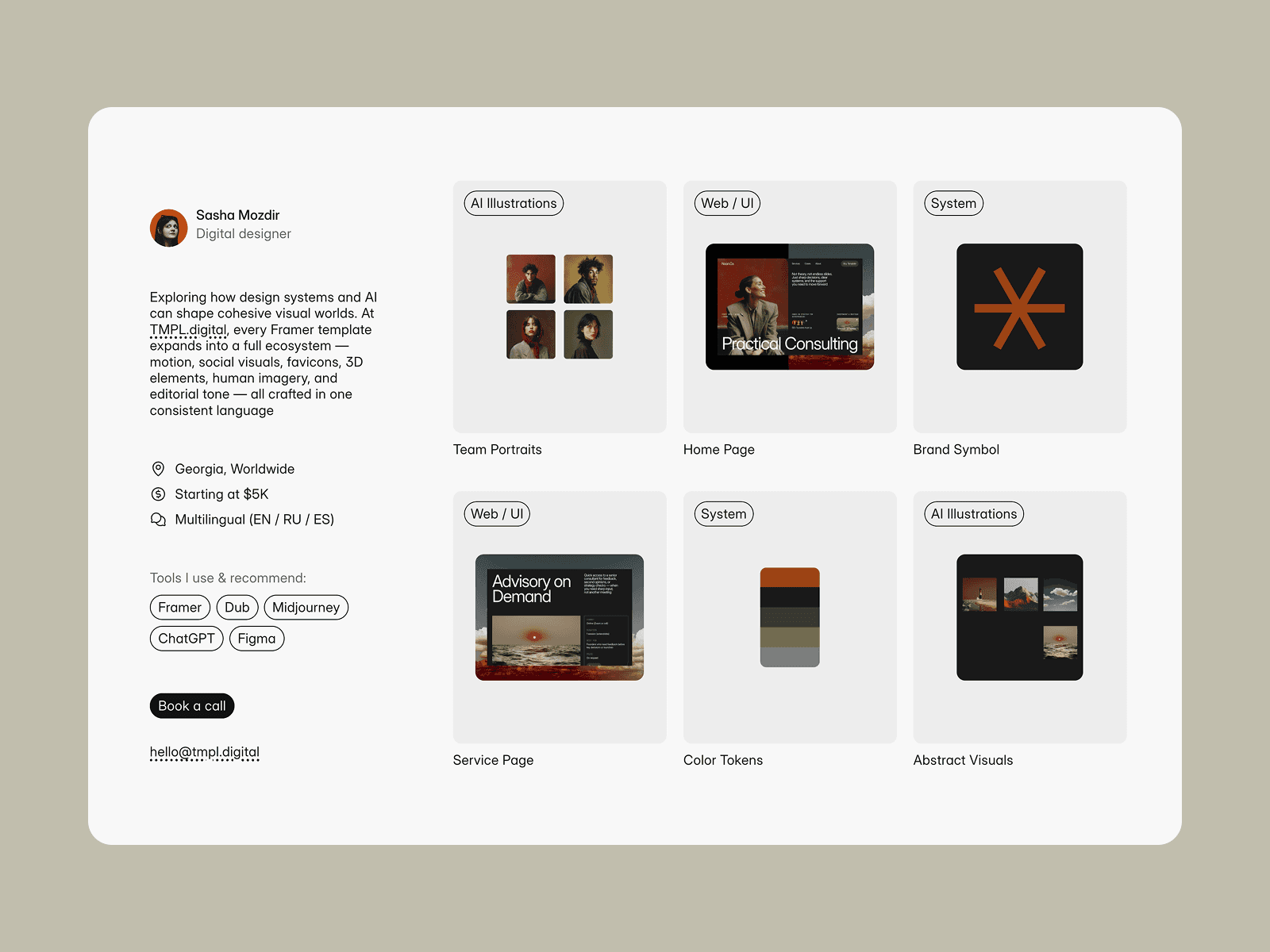
Simpolio is the opposite of Julian. The structure is minimal, built on an editorial grid, and typography does most of the work. Three pages: Home, a CMS case page, and a 404. If your projects speak for themselves and you want a site you can fill in one evening, this is the fastest route of the four. I made it for designers and studios who prefer clarity over decoration.
OutlineCV: when your portfolio is really a resume
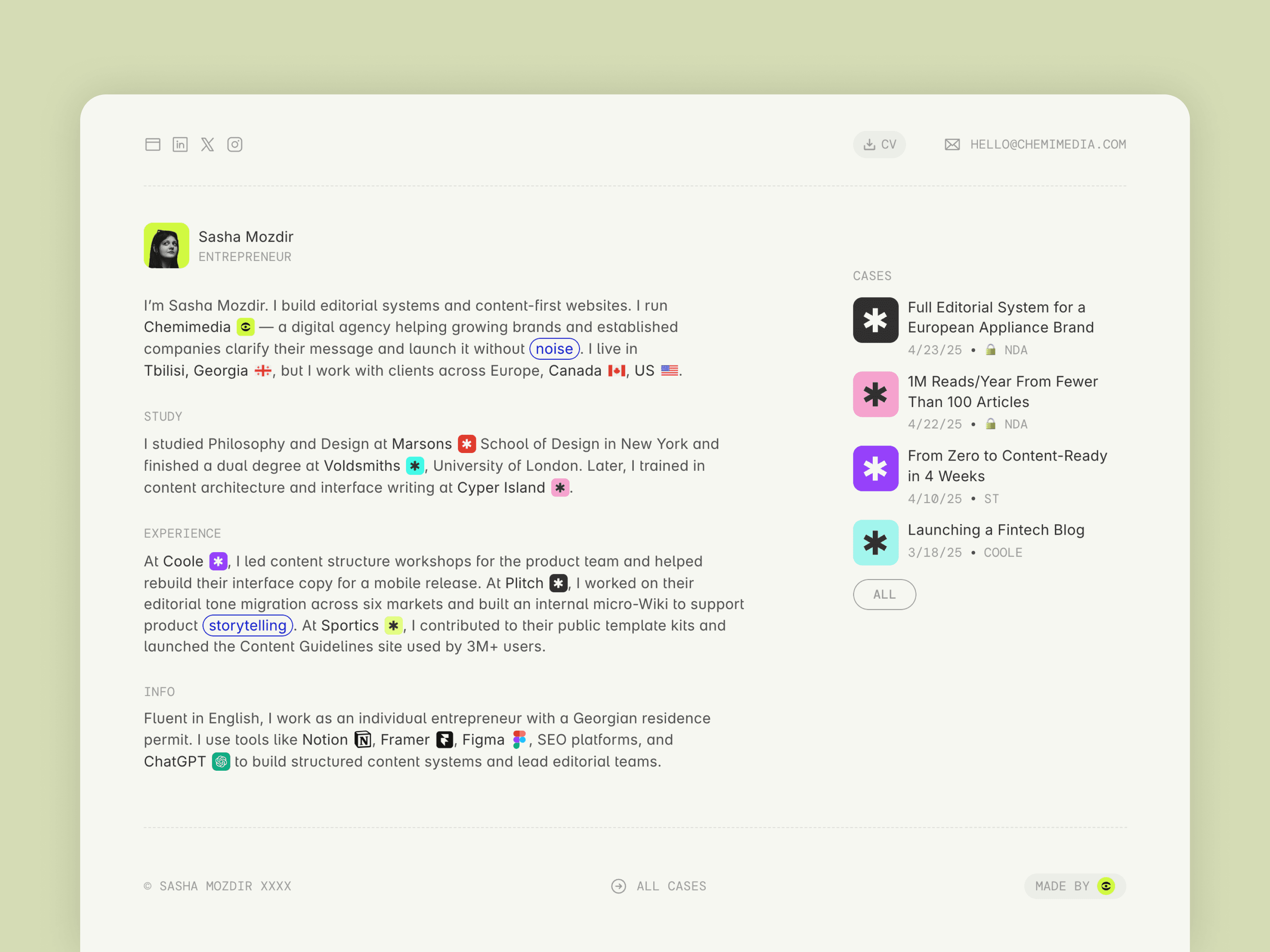
OutlineCV sits between a CV and a portfolio. It structures your story as experience, skills, education, achievements, and case studies, which makes it the right pick for people in digital careers where hiring managers read before they look: editors, marketers, developers, founders, project managers. It comes with a guided setup for customizing text, icons, and layout blocks, so it's also the friendliest option if this is your first Framer project.
How to pick between them
The short version: Foldex if your work is visual and you want personality, Julian if you want a bigger site with a blog, Simpolio if you want minimal and fast, OutlineCV if you're presenting a career rather than a client list. All four are free with remix links, so the honest advice is to duplicate the closest match and test it with your real content for half an hour. I wrote about what free templates include and where the limits are in a separate post. And if you're a creator who mostly needs one link for social bios, LinksPage is a free companion to any of these.
If you end up wanting the paid templates as well, there's All Access:
All Access costs $199 as a lifetime deal (regular price $249). It covers all seventeen current TMPL templates plus everything I release in the future, with unlimited site usage.
FAQ
Are these portfolio templates really free? Yes. All four are free to duplicate into your Framer account, with full pages and CMS included. Publishing on a custom domain requires a paid Framer plan, which starts at $10 a month on annual billing. I broke down the real costs in my Framer pricing post.
Which template is best for a photographer? Foldex. The collage layout is built around large images, and the topic CMS lets you split work into series or genres, each with its own page.
Can I add a blog to my portfolio? Julian ships with a blog out of the box, posts managed through the CMS. On the other three you'd add a CMS collection yourself, which Framer supports on any template.
Do I need to know how to code? No. Everything here is edited visually in Framer. I wrote a separate post on whether Framer requires coding, and the short answer is that for a portfolio it doesn't.
Can I use one template for several sites? A free duplicate lives in your account and can be published as your site. If you want to reuse templates across many projects, including the paid ones, that's what All Access is for.