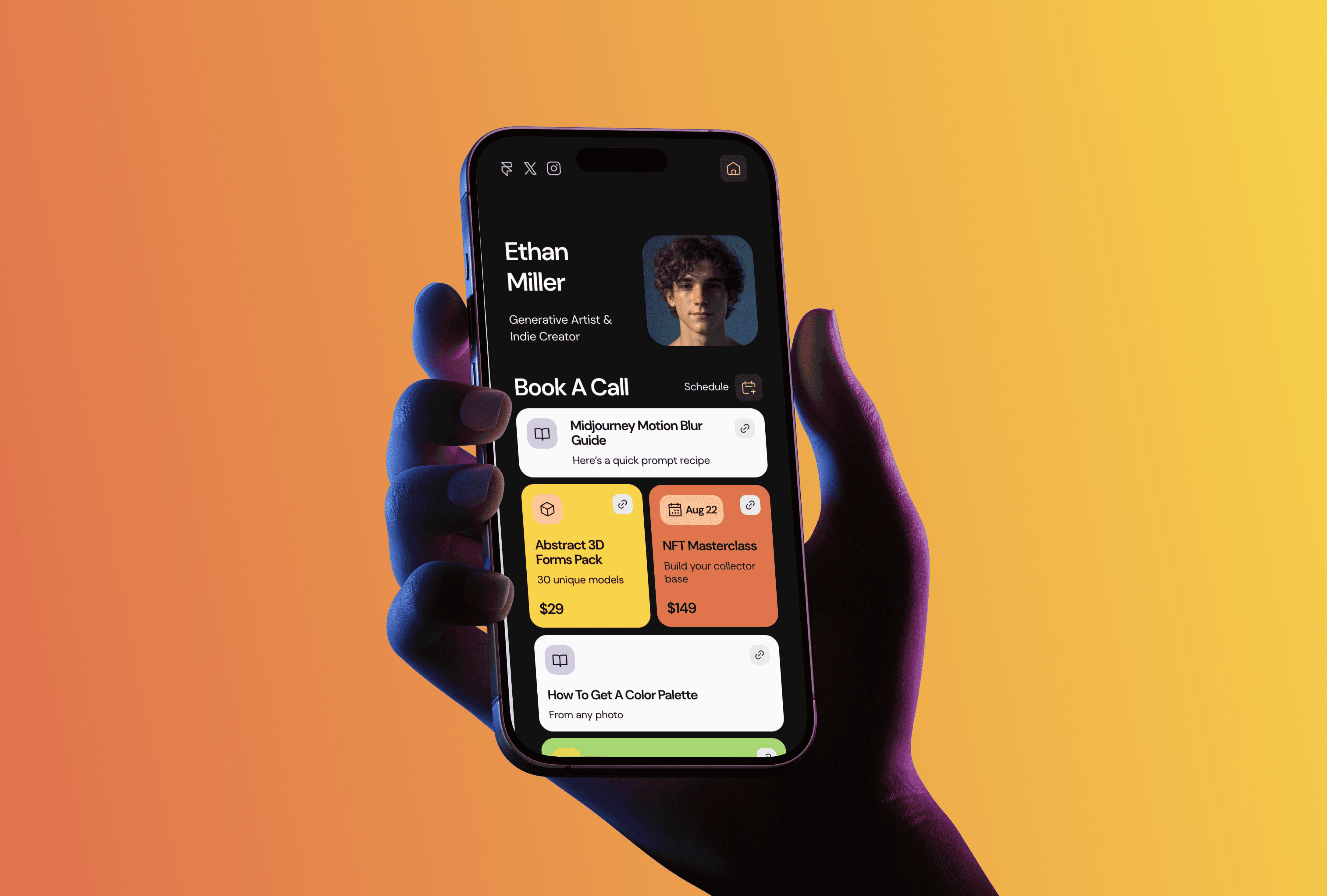
Accounting firms sell trust, and most of their websites undercut it. The typical small-practice site is a decade old, lists services in accountant language, and hides the phone number three clicks deep. Meanwhile the first thing a potential client does is look you up. I run TMPL, a Framer template studio, and Auditly is the free template I built for accountants and tax consultants who want a site that looks the way their work does. Here's what's in it and who it fits.
Auditly, a one-page site for an accounting practice

Auditly is a one-pager: a Home page with pre-built sections for services, benefits, and a call to action, plus a 404. The layout is minimal and structured, which is the right register for this niche. A client about to hand over their books isn't shopping for animation tricks. They want signs that you're organized, and a tidy page is the cheapest one you can show. The template is responsive out of the box and set up with SEO basics, so the page you publish is the page Google reads.
Auditly is free to use. All Access at $199 lifetime (regular price $249) unlocks all seventeen current TMPL templates, including the paid ones, for unlimited projects.
Why one page is enough
A small practice doesn't need a ten-page site. The people who land on it want two answers, what you do and how to reach you, with enough proof in between that you're legit. A one-pager handles that in a single scroll and costs nothing to maintain. There's no blog to let rot and no CMS collections to keep tidy. You publish it once and touch it when your services change.
If the practice is bigger than that, say a consulting firm that wants case studies and a services archive, Auditly will start to feel small. That's the point where I'd look at Noon, the paid consulting template with CMS collections, or at the full guide to templates for consultants and agencies.
What to put in each section
The sections are pre-built, so the real work is the copy. For services, name the actual work: tax returns, payroll, quarterly bookkeeping, audit prep. "Comprehensive financial solutions" tells a visitor nothing. For benefits, write outcomes a client can picture. "Your filings are never late" beats "reliability" every time. And keep a single call to action. A page that asks the visitor to call, email, book, and subscribe usually gets none of the four.
What an accounting site actually needs
Template aside, the accounting sites that convert share a few habits. There's a face on the page, because people hire a person, not a logo. Credentials are stated plainly, with the license or certification named. The copy says who you work with, since "small ecommerce businesses" filters better than "clients of all sizes". And if you're still setting up the practice and just want to collect contacts before launch, a coming soon page with a waitlist form covers the gap.
FAQ
Is there a free Framer template for accountants? Yes, Auditly. It's a one-page template with pre-built sections for services, benefits, and a CTA, and it fits tax consultants and small B2B service businesses too. Thirteen of the seventeen templates in the TMPL catalog are free; here's what free templates include.
Which Framer plan does Auditly need? Basic, from $10 a month on annual billing. The template has no CMS, so the cheapest paid plan does the job. The full breakdown of what each plan includes is in the pricing guide.
Can clients contact me through the site? Yes. The CTA section is built for it: wire the button to your email, embed a booking link, or add a Framer form. Whatever you pick, keep it to one action.
Will it work for a bookkeeper or a tax consultant? Yes. The job of the page is the same: services, proof, contact. Only the copy changes.
Do I need to code to customize it? No. Text, colors, images, and layout are all edited visually in Framer. The how to edit a Framer template guide walks through the workflow, and Does Framer require coding covers what code is and isn't needed for.