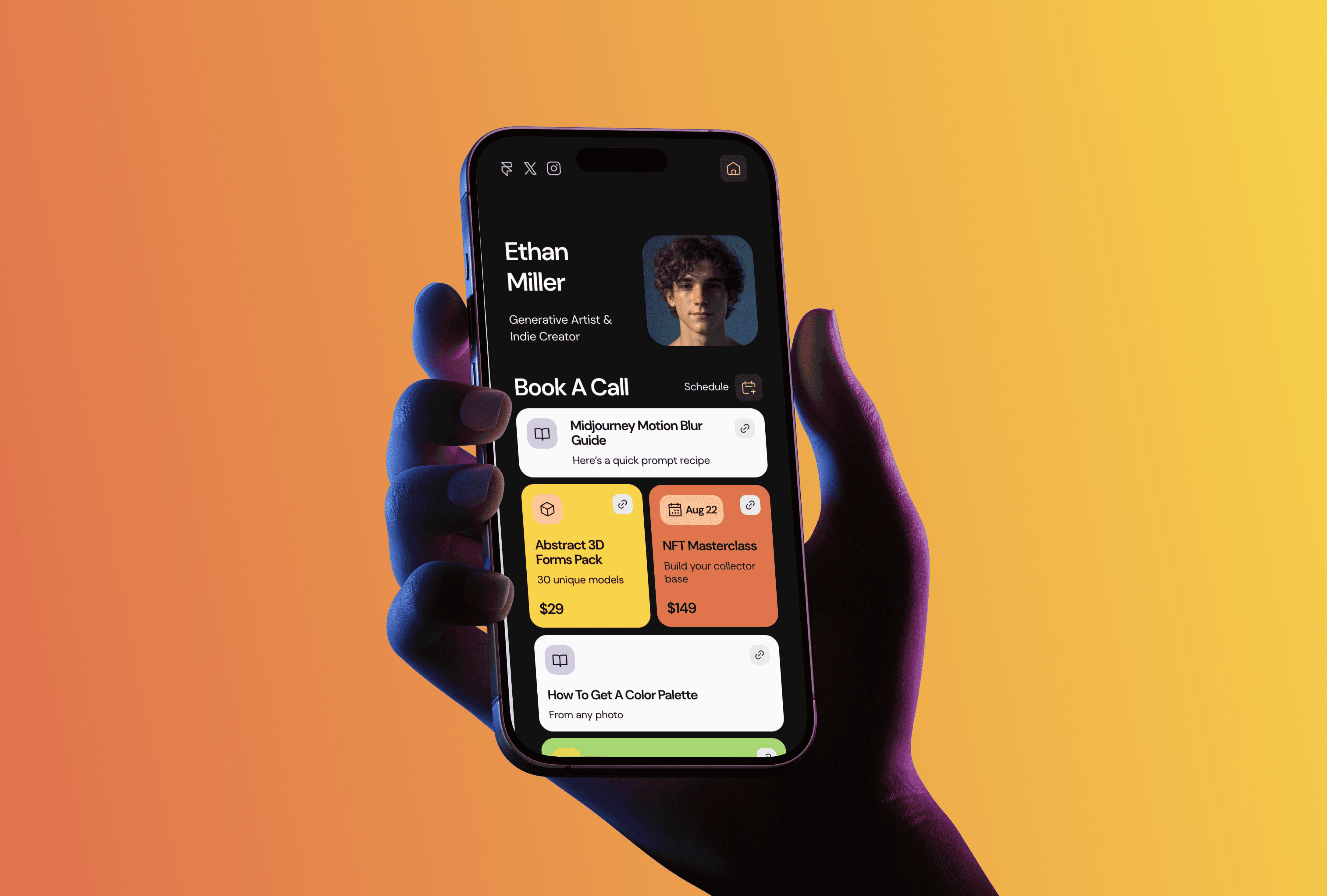
A PDF resume gets skimmed for thirty seconds and closed. A resume website gets a link in your email signature, your LinkedIn, your bio, and it stays current because you edit it in one place instead of exporting a new file every time something changes. I run TMPL, a small studio of Framer templates, and OutlineCV is the template I built for this exact situation: you're presenting a career, not a client list.
Why a website instead of a PDF
Hiring managers open links. A website lets you show the work behind the bullet points: a case study with real numbers reads very differently from "led a redesign project" on page two of a PDF. You also control the order. On a site, your strongest project sits at the top, while a PDF gets read in whatever order the reader's patience allows.
There's a quieter benefit too. When someone googles your name, a personal site with your resume on it is a much better first result than an old conference bio.
What's inside OutlineCV
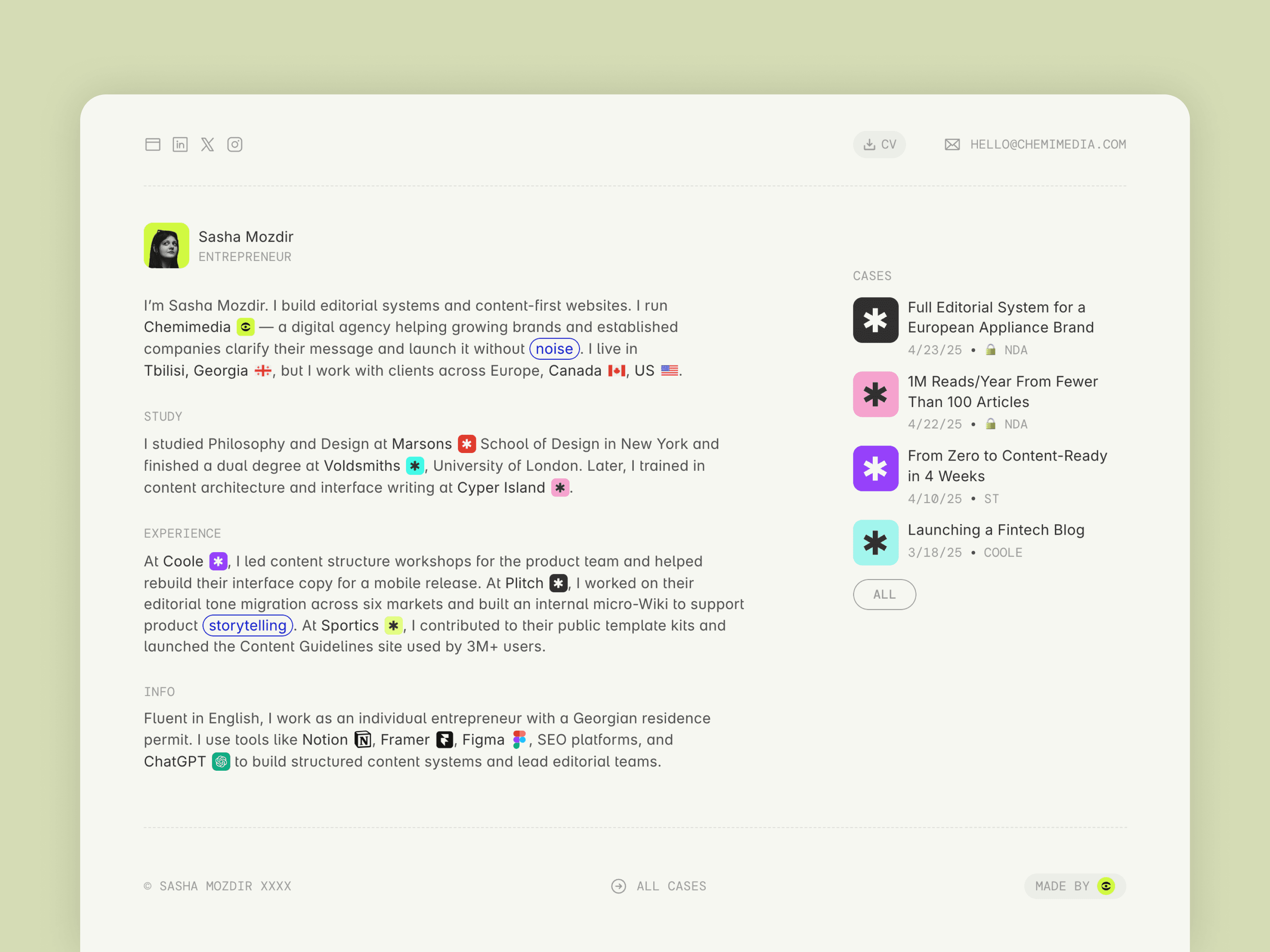
OutlineCV is a free resume and CV template. It has four pages: Home, Cases, a CMS page for individual case studies, and a 404. The Home page is structured the way a recruiter actually reads: experience, skills, education, and achievements, in that order, with case studies linked where they back up a claim.
The layout is built from modular blocks, so you can delete a section you don't need or duplicate one you want more of without breaking anything. There's a guided setup that marks what to replace, which makes it a reasonable first Framer project even if you've never opened the tool. It's responsive out of the box.
Case studies live in the CMS. You write them as entries, and each gets its own page. For a marketer, editor, developer, founder, or project manager, this is usually the part that gets you the interview: the resume says what you did, the case study shows how.
Setting it up
Duplicate the template into your Framer account with the remix link on the template page. Everything is edited visually: click the text, type yours. If you get stuck, I wrote a separate guide on how to edit a Framer template.
Publishing on a free framer.website subdomain costs nothing. A custom domain needs a paid Framer plan, which starts at $10 a month on annual billing. I broke down the full pricing in How Much Does Framer Cost.
Half an evening with your real content is usually enough to know whether the structure works for you.
Who it fits, and who should pick something else
OutlineCV works best for careers where credentials get read before the work does: marketing, product, editorial, engineering, founding things. If your situation is different, I have three other free templates that might fit better. Foldex is built around large images and suits photographers and art directors. Julian is a bigger site with a blog. Simpolio is a minimal one-pager you can fill in a single evening. I compared all four in Best Free Framer Portfolio Templates if you want the longer version.
OutlineCV is free. If you want the paid templates too, All Access costs $199 as a lifetime deal (regular price $249). It covers all seventeen current TMPL templates plus everything I release in the future, with unlimited site usage.
FAQ
Is OutlineCV really free? Yes. You duplicate it into your Framer account with all pages and the CMS included. Publishing on a custom domain requires a paid Framer plan. I explain what free actually covers in my free templates guide.
Do I need to know how to code? No. Everything is edited visually in Framer, and the guided setup marks exactly what to replace.
Can I use OutlineCV as a portfolio? Partly. The Cases section handles case studies well, so it covers a portfolio where writing does the selling. If your work is mostly visual, Foldex is the better pick.
How long does setup take? An evening for the resume pages. Case studies take as long as writing them takes, which is the honest bottleneck for most people.
Can I add or remove sections? Yes. The blocks are modular, so you can delete the education section or add a second skills block without the layout falling apart.