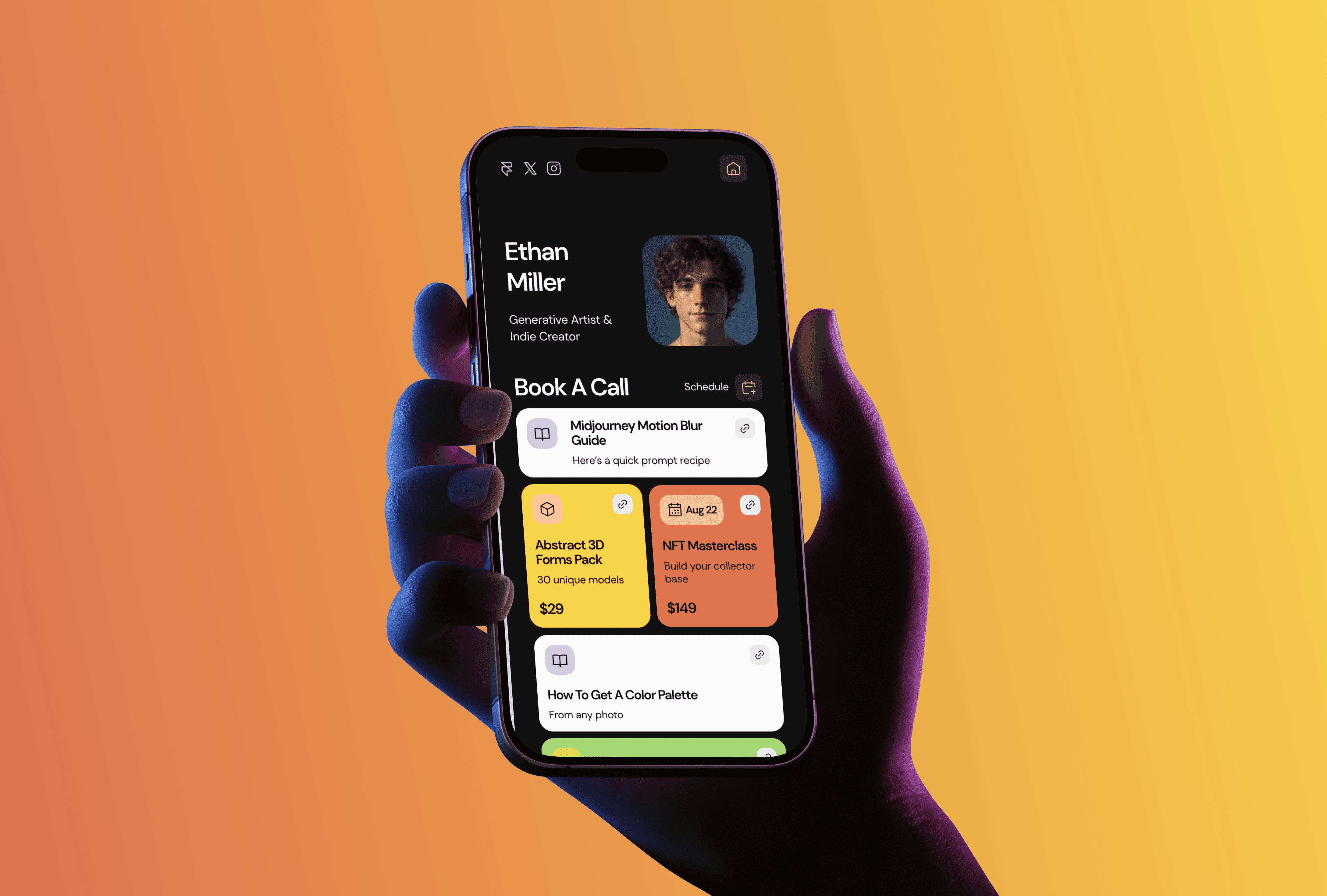
I run TMPL, a studio of seventeen Framer templates, and the question I get most from founders is some version of "can I run a real product site on Framer, with docs and a changelog, not just a landing page?" You can. Sellio is my free template built exactly for that: digital products, SaaS tools, template shops, course platforms. It is the biggest template in the catalog, and it costs nothing.
Sellio: a free SaaS template with a real content hub

Sellio ships with 17 pages. The core set covers the landing page, Features, Pricing, About, Contact, a Waitlist page, and a 404. The content hub is where it earns its size: Blog, Docs, Careers, Integrations, and Updates all run on CMS collections, each with an index page and a detail page. Legal pages for Terms and Privacy are included too. Everything is editable inside Framer, and the download comes with a text guide and content prompts so you are not staring at lorem ipsum wondering what goes where.
Sellio is free to use. All Access at $199 lifetime (regular price $249) unlocks all seventeen current TMPL templates, including the paid ones.
Why a SaaS site needs more than a landing page
A landing page gets you launched. What keeps a product site working after launch is the boring content around it. Docs cut your support load, because people read instead of writing to you. A changelog shows the product is alive, which matters more for trust than any testimonial block. Integration pages quietly become search entries for "your product + tool" queries. And a blog is the only part of the site that compounds: this blog you are reading brings TMPL more search traffic than the homepage.
In Sellio all of that is CMS-backed, so adding a doc or an update is filling out fields, not rebuilding a page. If your product is not ready yet, the built-in Waitlist page does the pre-launch job, and I wrote separately about running a coming soon page with a waitlist. Once you start hiring, the Careers collection works the same way as the setup I described in the careers page guide.
What to check before you publish
Two practical things. First, the plan: Sellio needs Framer's Pro plan, from $30 a month on annual billing, because of how many CMS collections it uses. That is the real cost of running it, and I break the plans down in what Framer actually costs in 2026. Second, the content: delete the demo entries you do not need before connecting a custom domain, because an empty Docs index looks worse than no Docs at all. Start with five real entries, publish, then add as you go.
Who Sellio fits, and who should pick something else
Sellio fits founders and creators selling digital products: templates, courses, files, small SaaS tools, marketplaces. If you need a site for a consulting business rather than a product, Noon is a better shape, and I compared the options in the consultants and agencies guide. If you only need one page to collect emails, take Foyer instead of a 17-page build. And if you are deciding between free and paid in general, I wrote about what free templates include and when paid starts to make sense.
FAQ
What is the best Framer template for a SaaS website? Sellio is the one I'd point to: a free Framer template with 17 pages and CMS-backed blog, docs, careers, integrations, and updates. It covers the whole product site, from the landing page to the content hub, and you can swap every section inside Framer.
Is Sellio really free? Yes, the full 17-page version, not a cut-down demo. Thirteen of the seventeen templates in my catalog are free, and I explain how that works in the free templates guide.
Do I need a paid Framer plan to run it? Yes. Sellio uses several CMS collections, which puts it on Framer's Pro plan, from $30 a month on annual billing. A custom domain also requires a paid site plan.
Can I run my docs and changelog on it? Yes. Docs and Updates are separate CMS collections with their own index and detail pages, so your team can publish entries without touching the layout.
Does Framer require coding to customize Sellio? No. Text, images, colors, and layouts are editable visually. I covered the basics in how to edit a Framer template, and the longer answer in does Framer require coding.